01
Schedule an event
In the cosy-plan calendar, set the start time and choose the scene for the event.
cosy-one
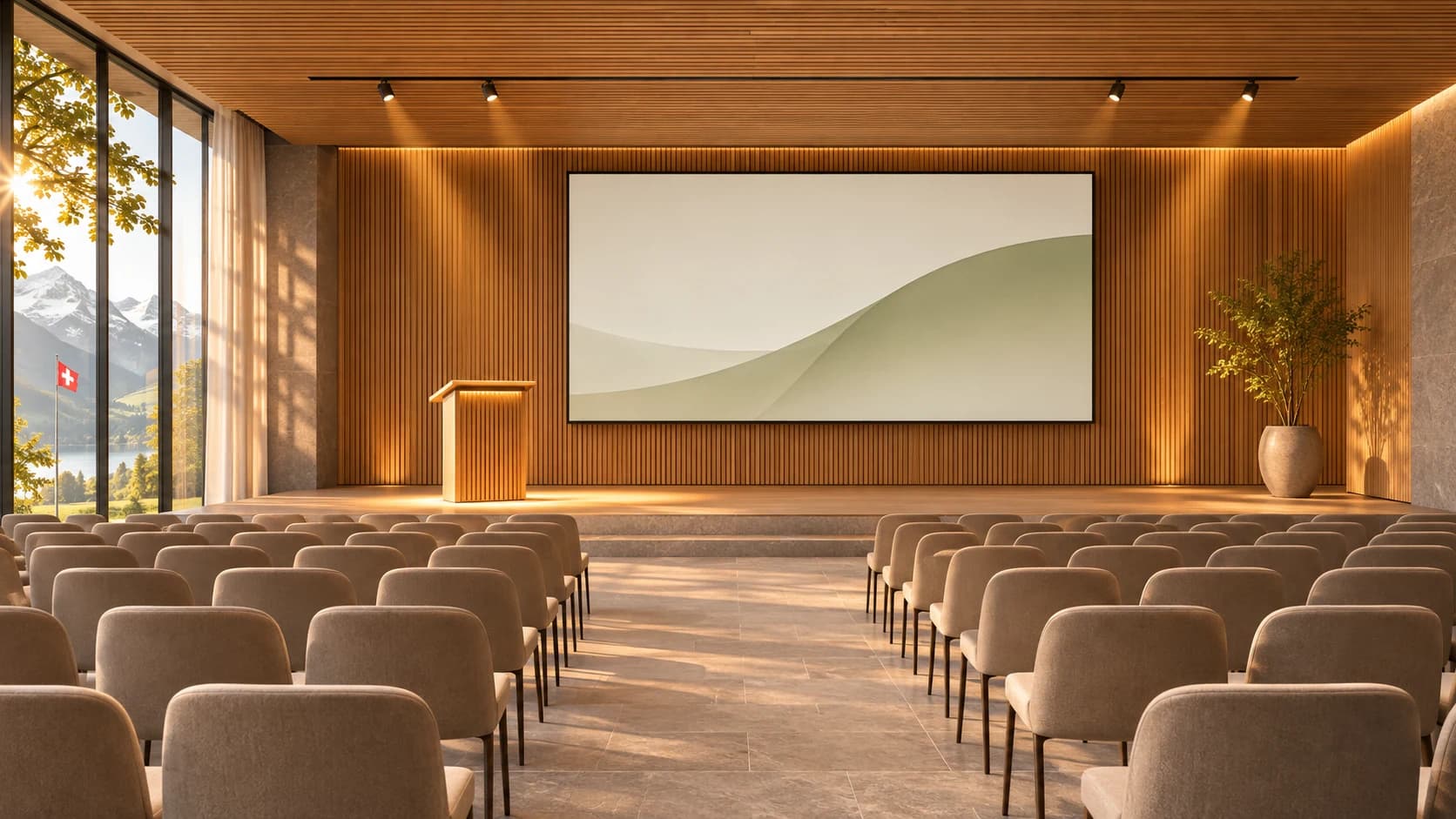
For a talk, a service or a concert, choose the scene that fits. Control the room on site, from reception or on the go.
For a talk, the lectern lights up. For a concert, the house lights dim, the stage brightens and the microphones are ready.
Applications

Property managers compare temperature and humidity in shared rooms. cosy-data charts readings from existing systems. For additional sensors, we check how they can connect through cosy-sense.
Senior housing has a separate use case. Residents can choose to check in each day with cosy-check. If a check-in is missed, their designated relatives are notified.
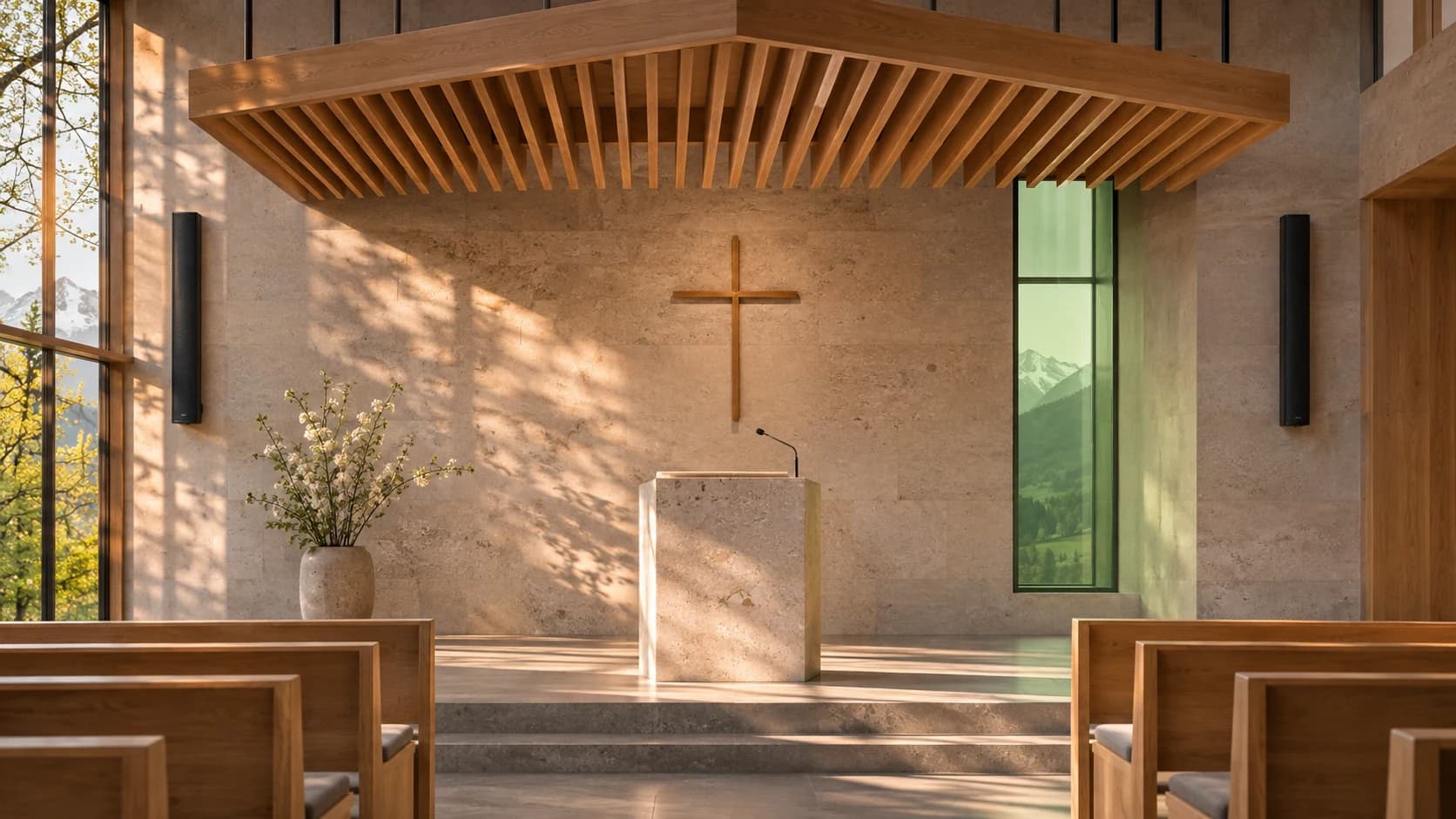
The verger schedules the bells. The person preparing the service selects the hymns. On Sunday, the bells ring on schedule and the hymn numbers appear on the boards.
For churches used intermittently, the next question is how early the heating should start before a service.
The venue team calls up a prepared scene. If the foyer lights still have a separate switch, cosy-shelly can bring them into the existing lighting system through a compatible Shelly actuator. With a suitable video system, cosy-vima routes presentations to the selected displays.
Before installation, CoSy-Tec uses cosy-akustik to plan loudspeaker coverage and assess speech intelligibility.
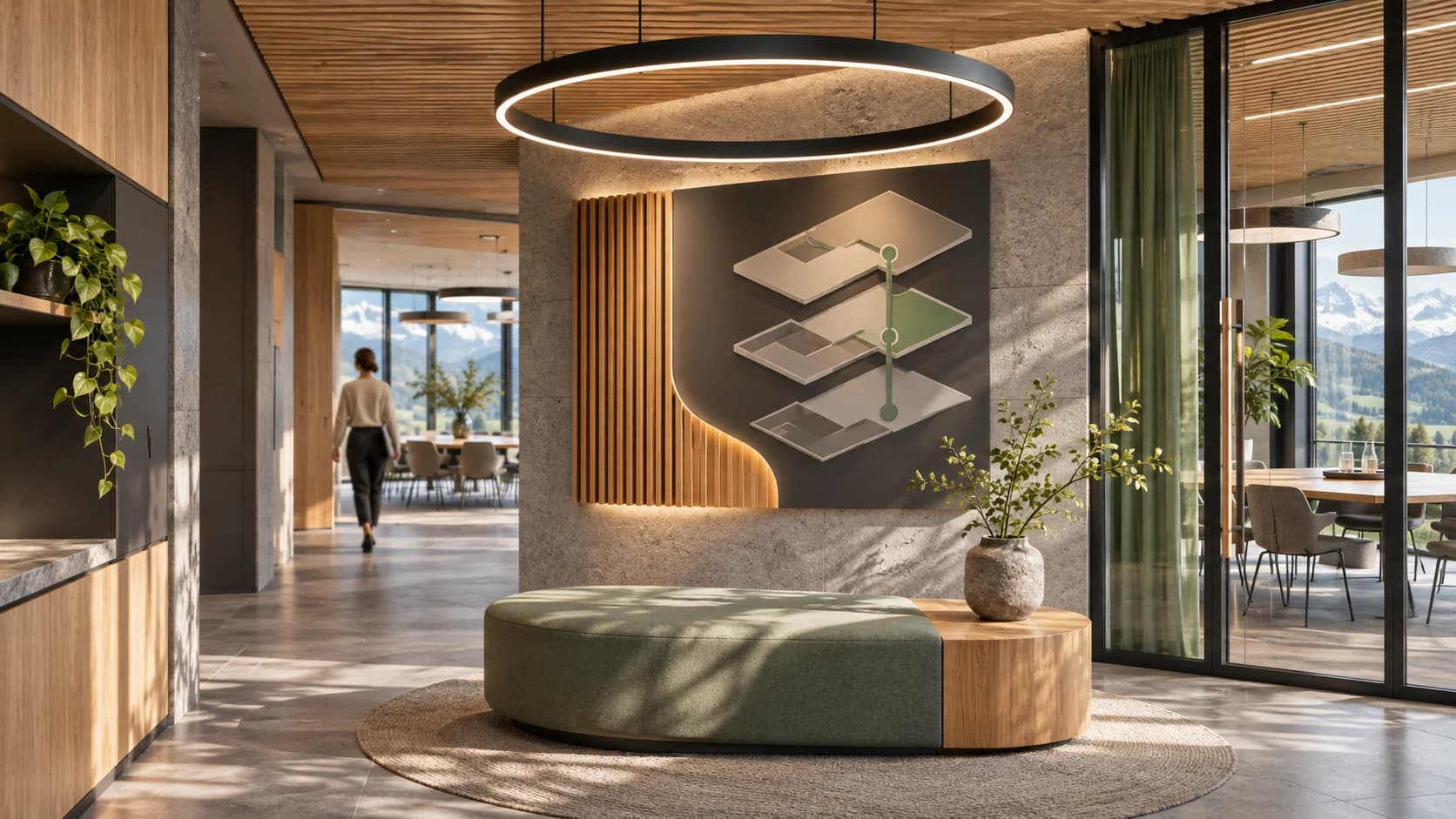
Motion sensors at the entrance, reception and showroom reveal which areas are active throughout the day. Compare activity by zone to understand patterns of visitor traffic. Temperature, CO₂ and humidity readings show how indoor conditions change at busy times.
cosy-data records the readings. For additional sensors we check the available connections through cosy-sense. With cosy-vip, staff publish directions and shift notices on the relevant screens.
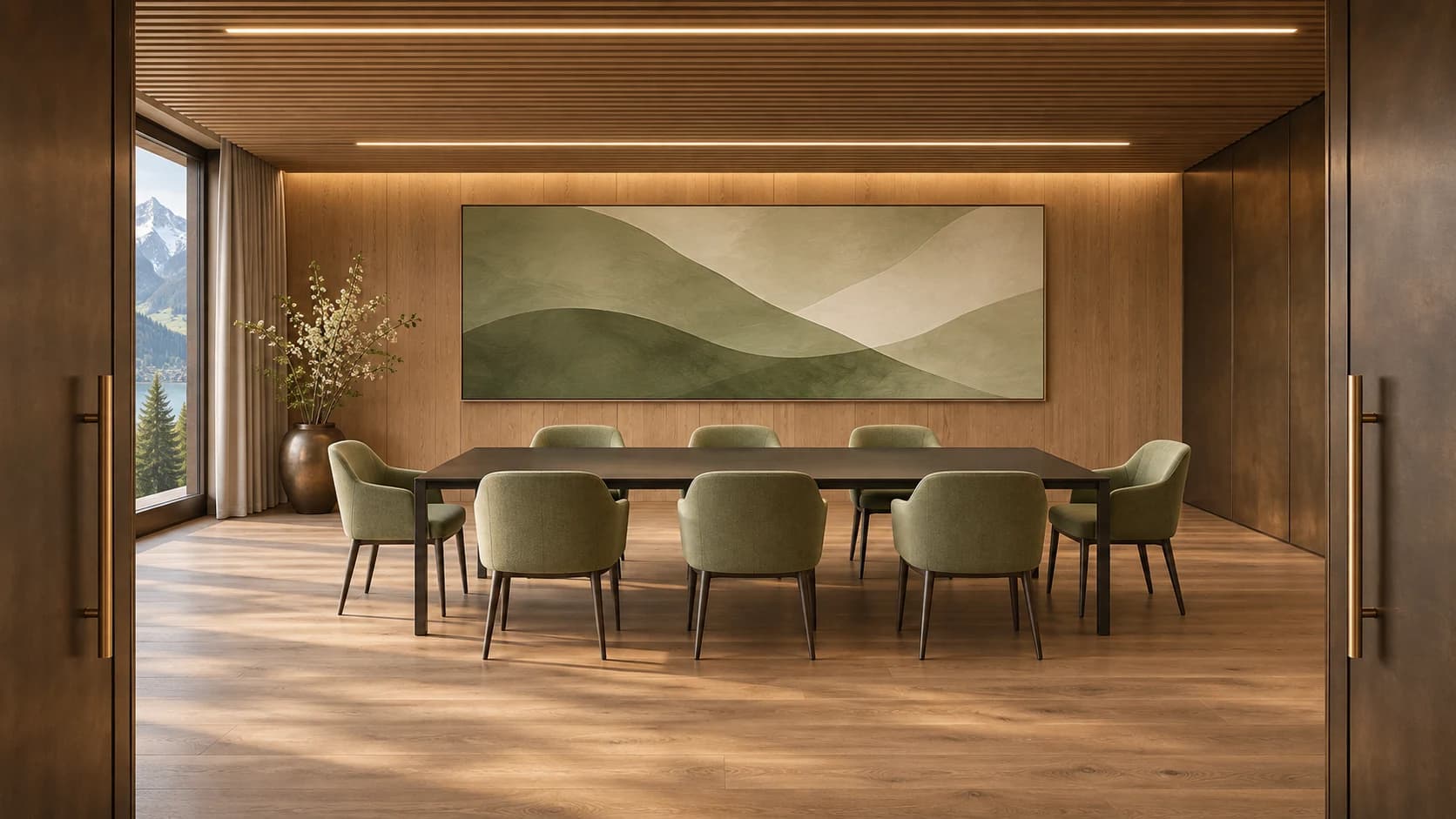
At reception, cosy-vip displays today's programme and directions to the meeting room. Hotel staff manage the notice centrally and decide when it comes down.
In the conference room, cosy-plan starts the chosen scene on schedule. For multiple display destinations, cosy-vima can route the presentation.
01
In the cosy-plan calendar, set the start time and choose the scene for the event.
02
The room starts correctly: light, sound, climate, bells and displays.
03
See and change everything, from anywhere, in one interface.
Use cosy-connect to operate and manage your installation in the browser. cosy-panel covers the design of control pages for your rooms, roles and scenes.
Explore cosy-connect ›The device in the building. Your installation keeps running on site, even without internet.
Explore cosy-hub ›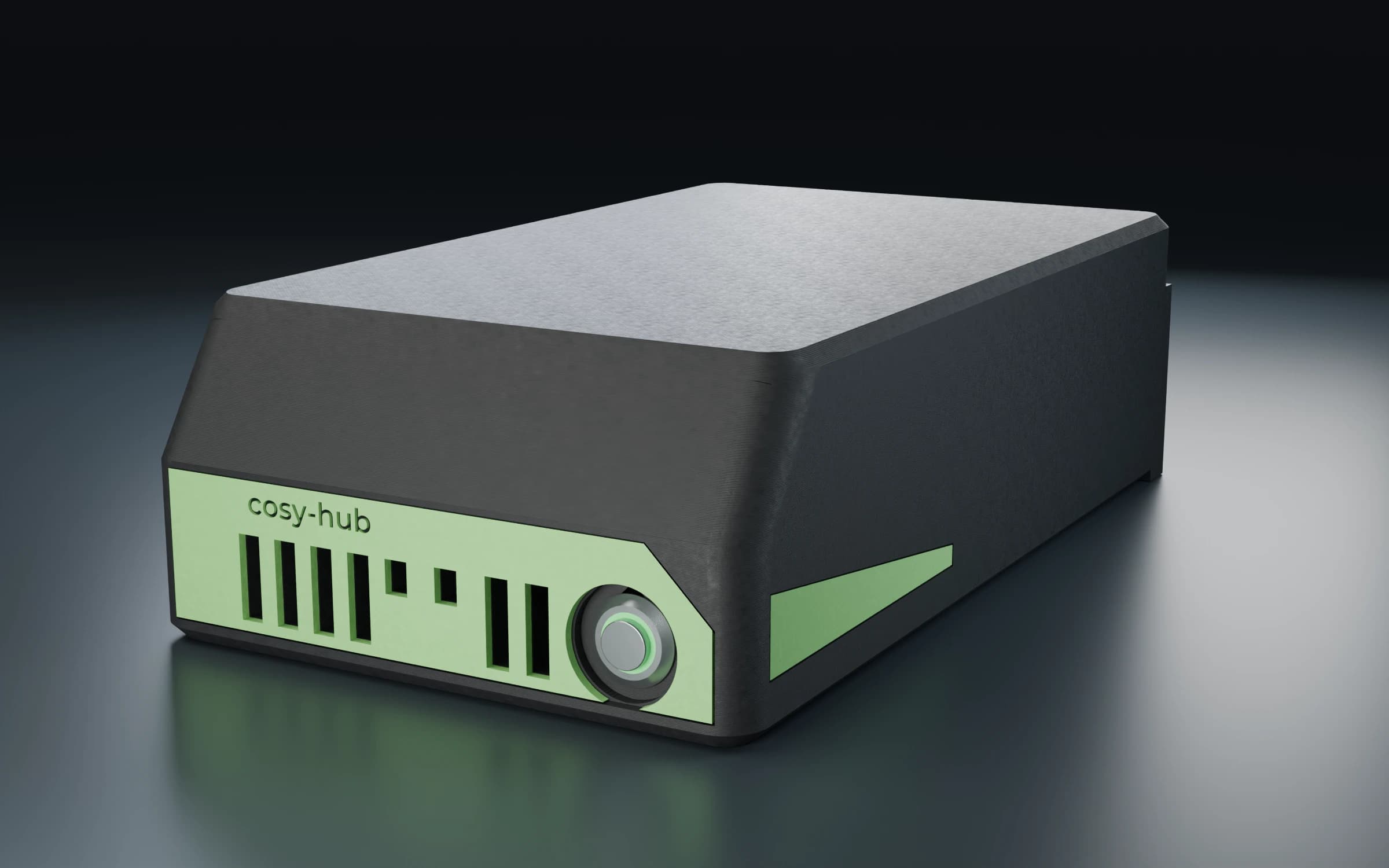
Only what you need, extendable at any time.
All modules › cosy-bellcosy-data
 cosy-vima
 cosy-heat
cosy-hub · cosy-shelly
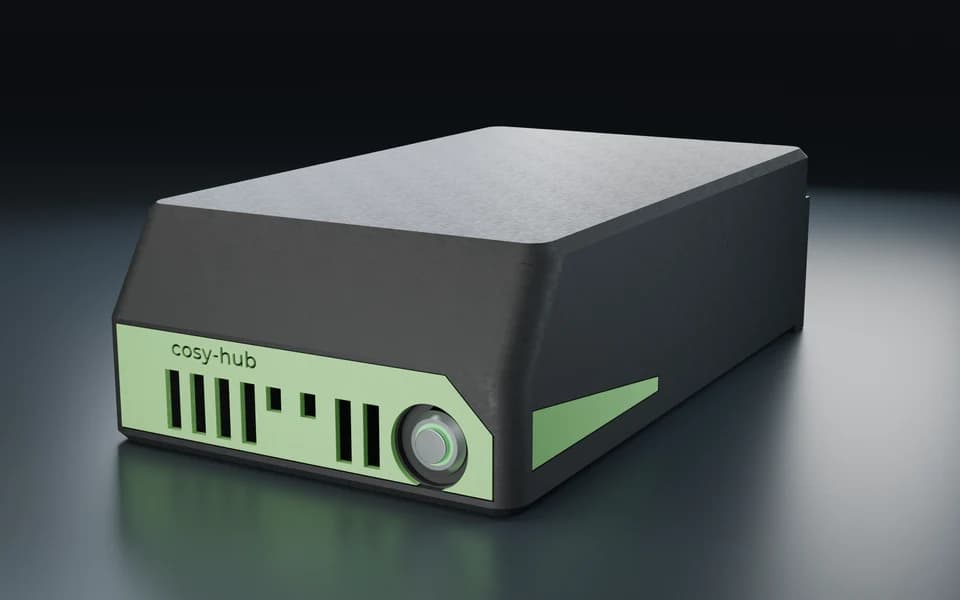
01 / cosy-hub
The green ring shows the status. Press the button to turn the device on or off on site.
02 / Connections
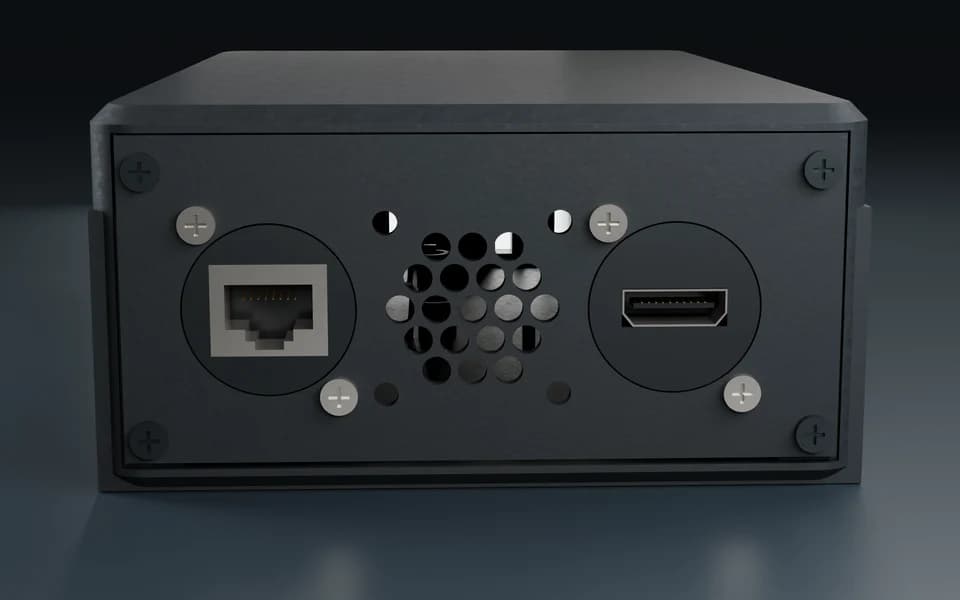
The network cable plugs into the PoE port at the back. The HDMI output sends the picture to a display.
03 / cosy-shelly
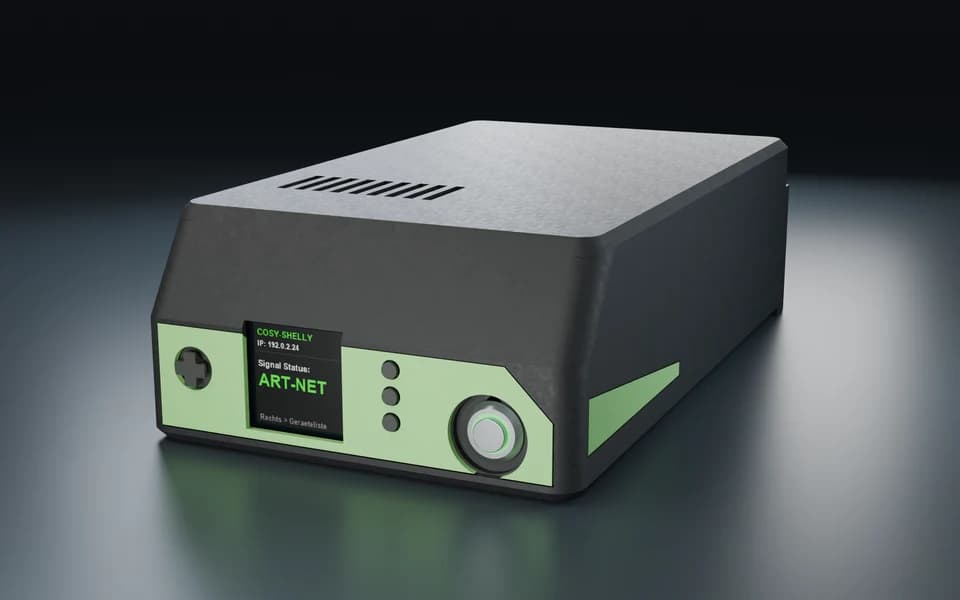
The screen shows whether a control signal is present. Use the TPU directional pad over the display joystick to open the device list.
04 / Example controls
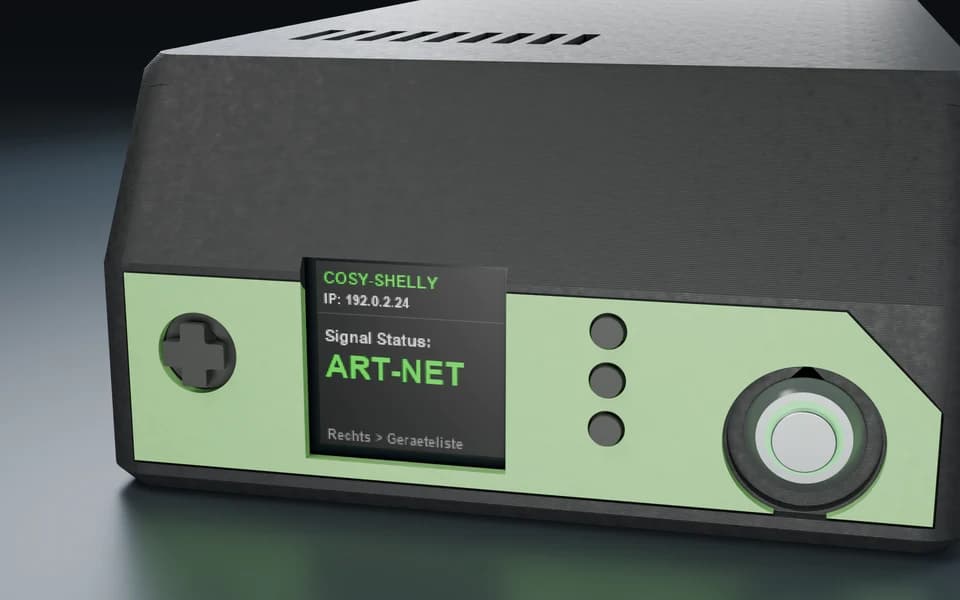
Select a lighting circuit to see its brightness on the screen. The physical buttons let you change the level.
cosy-hub
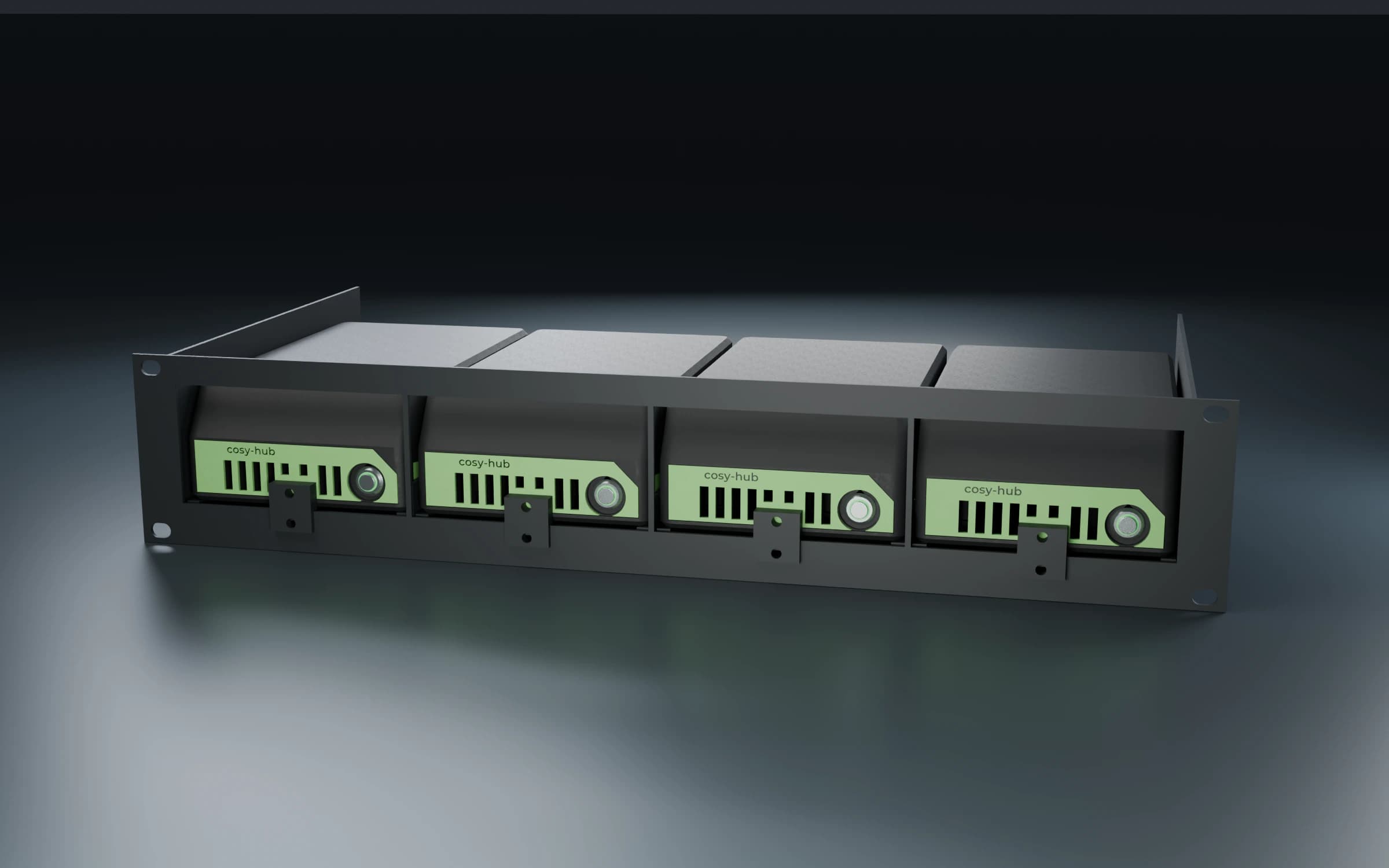
Place a single hub in the room or fit up to four side by side in two rack units. Each hub receives data and power through one network cable.
Visualisation
From the bells to the video wall. Every module runs on the cosy-hub and appears in cosy-connect.
cosy-plan
Events & schedules
cosy-logic
Rules & scenes
cosy-core
Inputs & outputs
cosy-bell
Bell control & ringing schedule
cosy-liedanzeige
Hymn board on eInk
cosy-sense
Sensors & measurement capture
cosy-shelly
Integrate lights in existing installations
cosy-heat
Heat-up optimiser
cosy-data
Sensor and operating data storage
cosy-learn
Learning control
cosy-check
Sign of life for retirement flats
cosy-vip
Notices & display boards
cosy-vima
Video matrix & picture routing
cosy-stream
Live streaming at the push of a button
cosy-flux
Lighting network router
cosy-remote
Remote access
Publish notices, programmes and offers on your screens. Manage content directly from your phone or computer.
Discover cosy-vip ↗Prepare hymn numbers and verses digitally. A paper-like eInk board for your church. Demonstrations on request.
Discover the hymn board ↗cosy-one is the CoSy-Tec GmbH platform for building and media technology. It brings together light, sound, bells, climate and displays in one interface. It consists of the cosy-hub in the building, cosy-connect in the browser and modules as needed.
Churches and parish halls, halls, hotels and conference rooms, schools as well as municipal and company buildings: wherever several trades should be easy to operate.
No. The modules run on the cosy-hub inside the building and keep working without internet. Only remote access via cosy-connect needs a connection.
Anyone with a suitable role, from the verger to front-desk staff and administration. Operation is via touch panel, push buttons, smartphone or browser.
Common standards such as Modbus, Art-Net, sACN and NDI as well as Shelly devices, Samsung displays and Blackmagic ATEM. We check what is in your building before the quote.
The base system is included in every cosy-hub. Further modules are licensed per installation and can be added at any time.
CoSy-Tec or a cosy-one partner from AV, electrical or building technology. The partner is your first point of contact, with CoSy-Tec behind them.
For integrators
Are you an AV or building-technology integrator? Install cosy-one at your customers, license only the modules needed and manage the installations remotely via cosy-connect.
Become a partnerWe are happy to show you cosy-one with an example from your everyday work.