01 / cosy-hub
See the operating status.
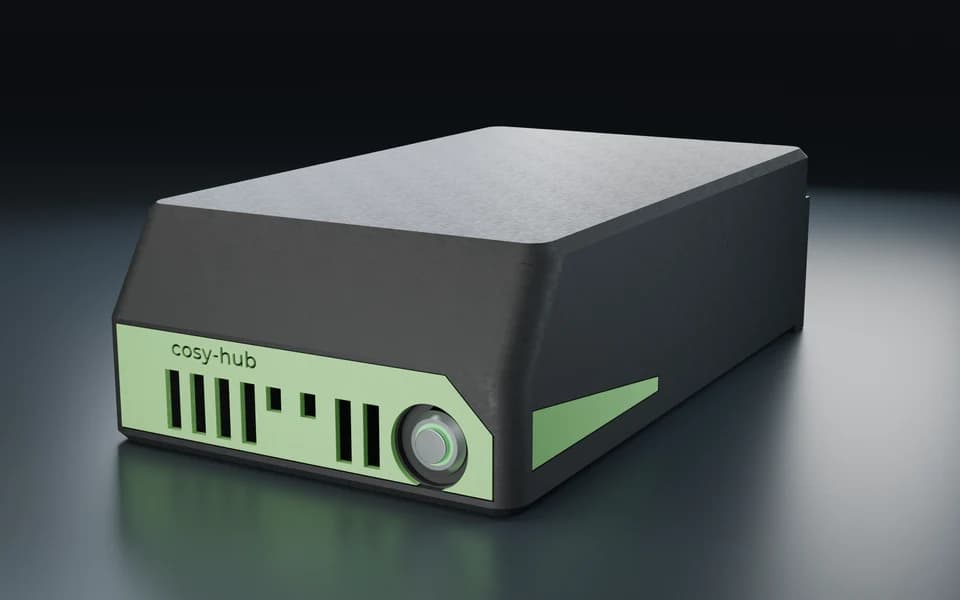
The green ring shows the status. Press the button to turn the device on or off on site.
cosy-one
The server that runs your room.
Lights, sound and screens follow the scene you choose. The hub runs your modules on site, even when the internet connection drops.

cosy-hub in action
A concert is on the calendar. At seven the house lights dim, the bass kicks in and beams of light sweep across the stage.
cosy-hub · cosy-shelly
01 / cosy-hub
The green ring shows the status. Press the button to turn the device on or off on site.
02 / Connections
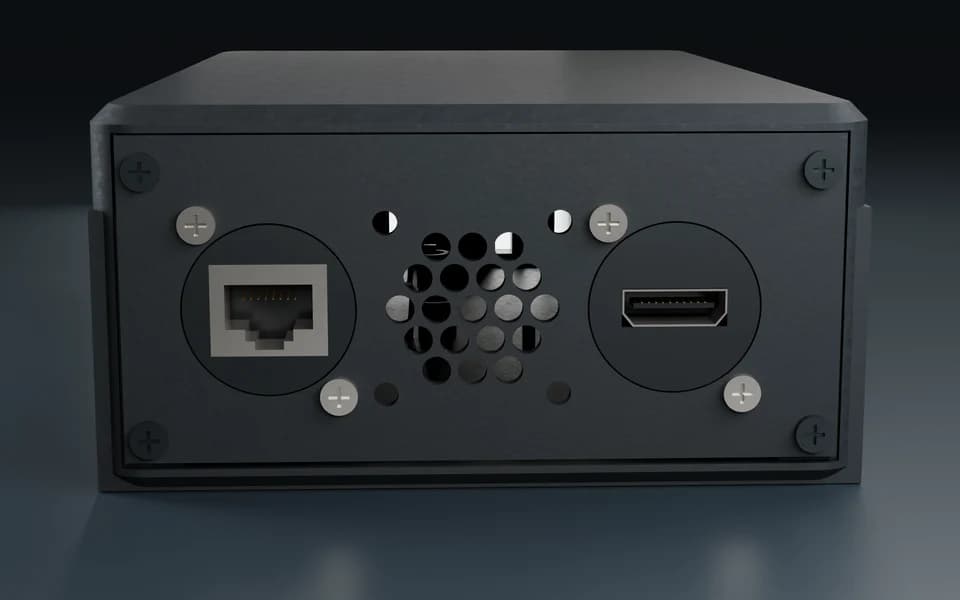
The network cable plugs into the PoE port at the back. The HDMI output sends the picture to a display.
03 / cosy-shelly
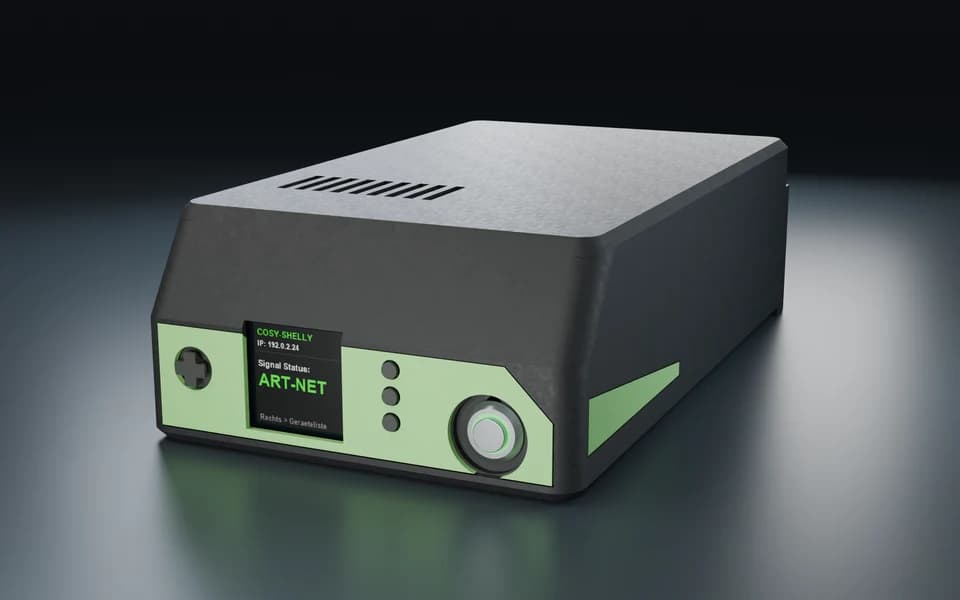
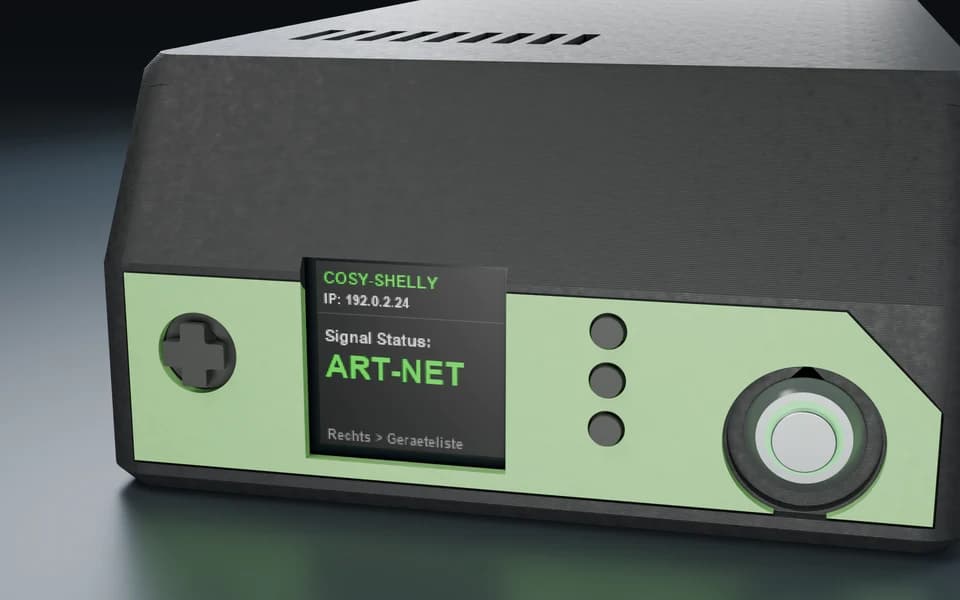
The screen shows whether a control signal is present. Use the TPU directional pad over the display joystick to open the device list.
04 / Example controls
Select a lighting circuit to see its brightness on the screen. The physical buttons let you change the level.
01
All licensed modules work inside the building. If the internet fails, the installation keeps running.
02
Relays, inputs, sensors, lights, video sources and displays. Common standards such as Modbus, Art-Net, sACN and NDI are included.
03
Your data stays in the building. Remote access runs encrypted via cosy-connect, without an open port.
04
Power and network arrive over a single network cable. No socket is needed at the mounting point.
05
Activate new modules when you need them. No new hardware is required.
06
Updates come from CoSy-Tec in a controlled way. You or your service partner approve them; security updates always run.
One device, two form factors. Same functions, same modules, same interface.
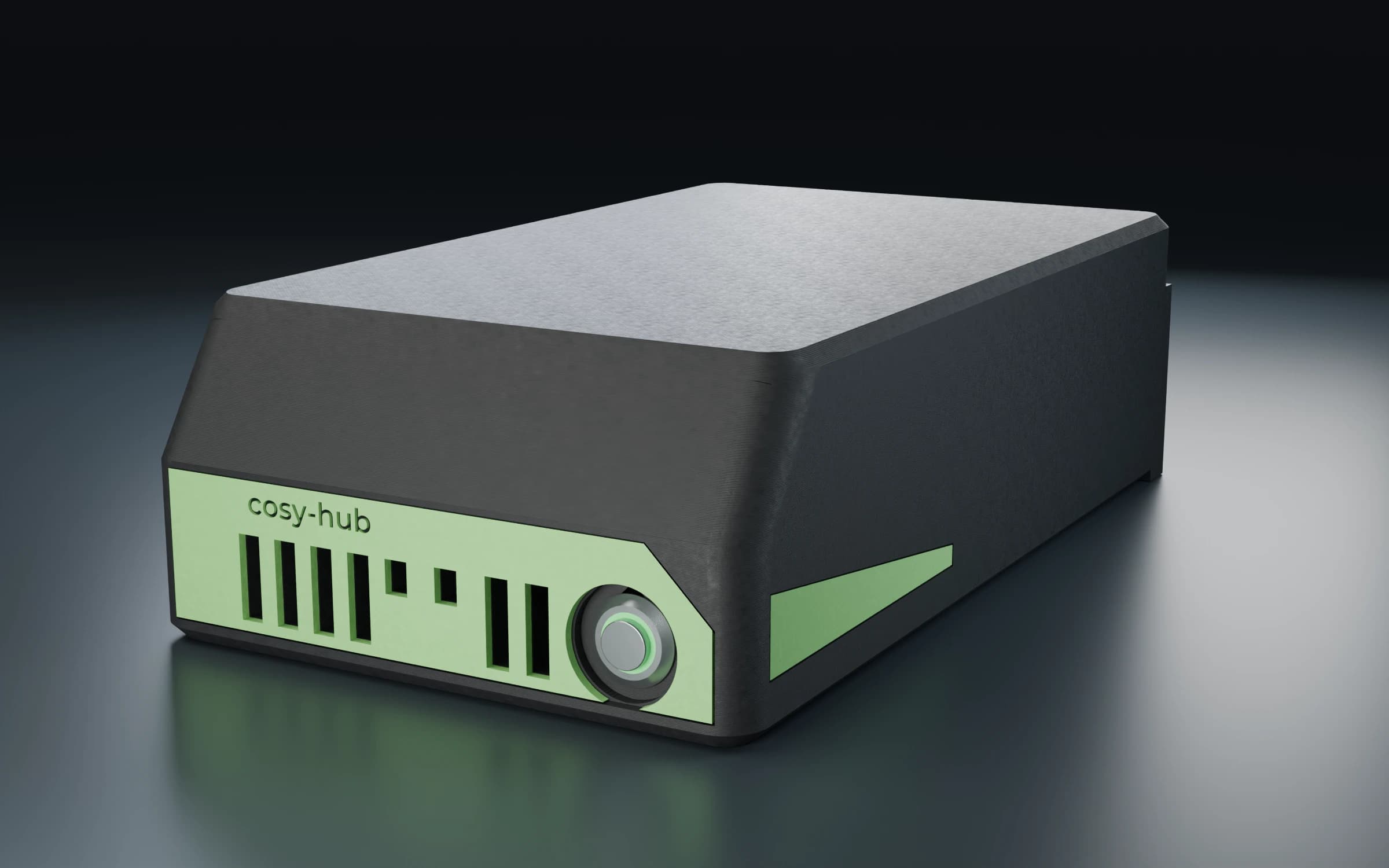
On the wall or on a desk, with a mounting plate. For the technical room, a cabinet in the hall or the vestry.
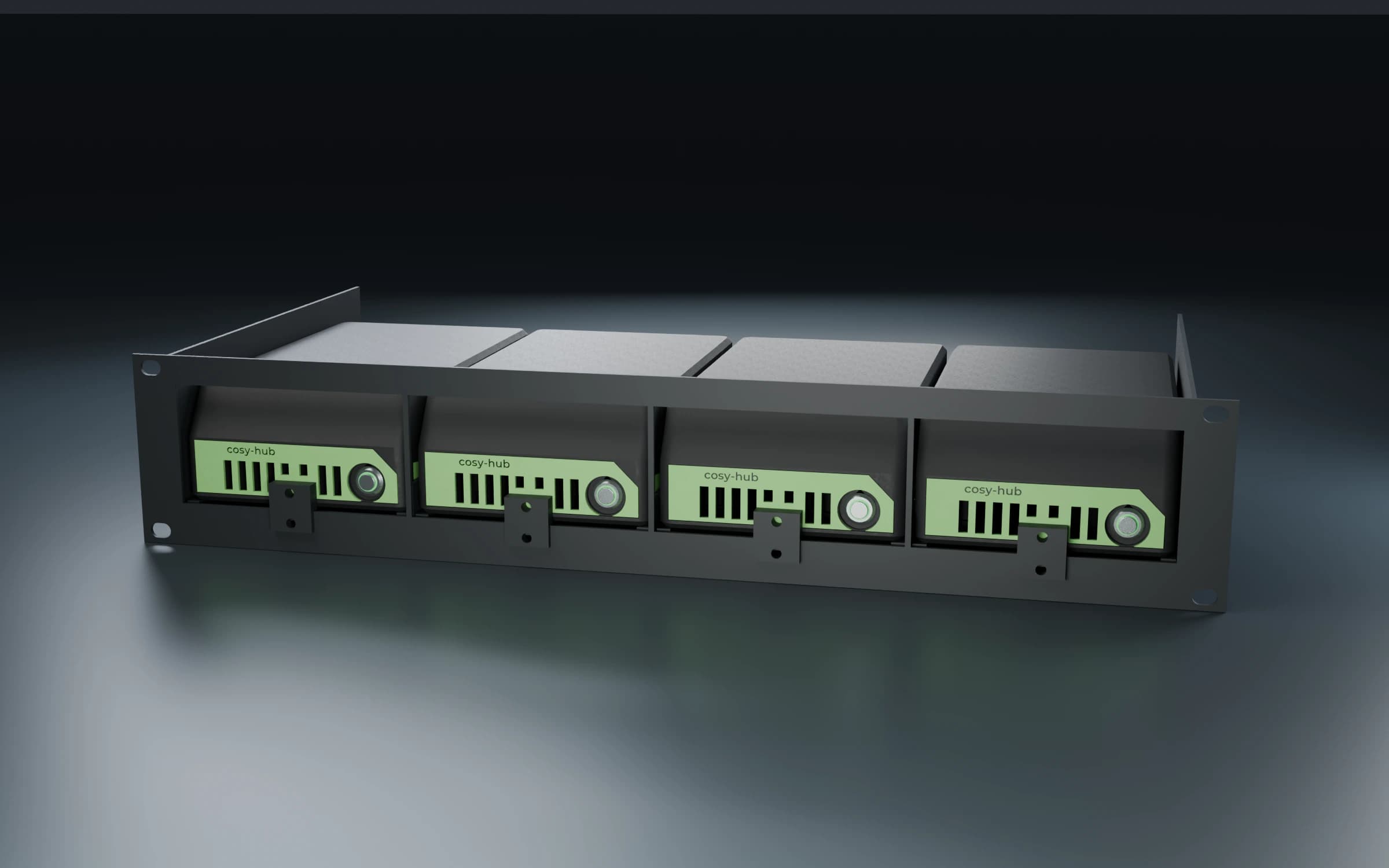
Four hubs in two rack units in a 19-inch cabinet. For several buildings or areas in one place.
Visualisation
No. All modules run inside the building. Without internet the installation keeps working; only remote access via cosy-connect pauses until the connection is back.
The wall-mount version goes on a wall or desk, the rack version into a 19-inch cabinet with four hubs in two rack units. Power and network arrive over one network cable.
Relays and inputs, sensors, Shelly devices, lights via Art-Net and sACN, video sources via NDI, displays and bells. We check together what is already in your building before the quote.
Inside the building, on the cosy-hub. cosy-connect provides encrypted remote access without opening a port in the network.